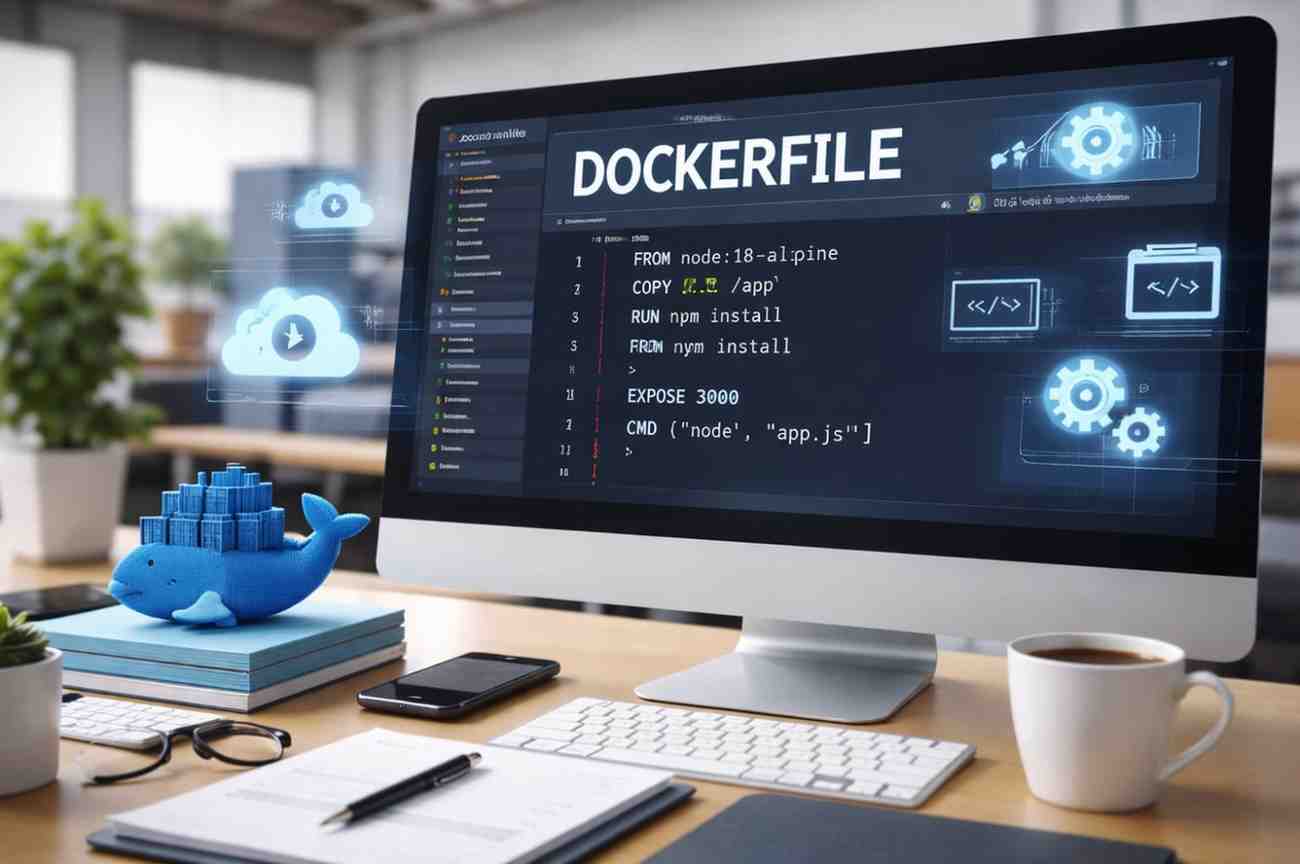
Docker file Over the Old Versions: Why Modern Web Teams Are Moving Forward Web development has changed dramatically over the last decade. Faster release cycles, cloud-native infrastructure, and distributed teams have pushed developers to rethink how applications are built and deployed. One of the biggest shifts has been the move from older environment management approaches to container-based workflows powered by Docker files. Understanding how Docker files outperform older methods is essential for teams aiming to build reliable, scalable web applications. This article explores why Docker files have become the preferred standard, how they improve upon older versions and practices, and what this means for modern web development teams. The Limitations of Older Deployment Approaches Before Docker became mainstream, web applications relied heavily on manual server setups, virtual machines, or environment-specific scripts. These older approaches introduced several challenges. First, environment inconsistency was a constant issue. Applications that worked on a developer’s machine often failed in staging or production due to differences in operating systems, libraries, or configurations. This “works on my machine” problem slowed development and increased debugging time. Second, scaling was expensive and slow. Virtual machines required significant resources and time to spin up. Even small changes often meant redeploying entire systems, leading to downtime or complex rollback procedures. Third, collaboration suffered. New developers joining a project had to spend hours or days setting up their local environment. Documentation quickly went out of date, and onboarding became a productivity bottleneck. These limitations created a strong need for a more predictable and portable solution. What a Docker file Brings to Web Development A Docker file is a simple text file that defines how an application environment is built. It specifies the base image, dependencies, configurations, and commands required to run the application. This single source of truth replaces lengthy setup guides and fragile scripts. In the context of Docker file in Web Development, the impact is significant. Docker files allow developers to package applications with everything they need to run, regardless of where they are deployed. This approach ensures consistency across development, testing, and production environments. Once a Docker image is built, it behaves the same everywhere. That reliability is one of the core reasons modern teams prefer Docker files over older methods. Improvements Over Older Versions and Practices One of the most important advantages Docker files have over older versions of deployment tools is version control. Docker files live alongside application code, meaning environment changes are tracked, reviewed, and rolled back just like any other code change. Older approaches relied on manual server changes or configuration management tools that were often detached from the application repository. This separation made troubleshooting harder and audits less transparent. Another key improvement is building optimization. Modern Docker files support layered builds, caching, and multi-stage builds. These features reduce image size, speed up builds, and improve security by excluding unnecessary tools from production images. Older systems had no clean way to separate build-time and runtime dependencies. For teams focused on Docker file in Web Development, these improvements translate into faster deployments, fewer errors, and lower infrastructure costs. Security and Stability Advantages Security is a major concern in web development, and Docker files address several risks found in older systems. By defining exact versions of dependencies, Docker files reduce the chance of unexpected updates breaking an application. Containers also isolate applications from the host system and from each other. If one service is compromised, the damage is limited compared to traditional shared environments. Older deployment models often ran multiple applications on the same server without strong isolation. Additionally, Docker files make security audits easier. Teams can review Docker file instructions to understand exactly what is installed and how the application runs. This transparency is difficult to achieve with manually configured servers. Impact on Team Productivity and Customer Value From a customer perspective, the benefits of Docker files are clear. Faster development cycles mean quicker feature releases and bug fixes. More stable deployments result in fewer outages and a better user experience. For development teams, Docker files simplify onboarding and collaboration. A new developer can get started with a single command, rather than following pages of setup instructions. This efficiency directly impacts delivery timelines and project costs. In large organizations, standardized Docker files across projects create consistency and reduce operational complexity. For startups, they provide enterprise-level deployment practices without heavy investment. This is why Docker file in Web Development has become a foundation rather than an optional tool. Why Moving Away from Older Versions Is No Longer Optional As web applications grow more complex, older deployment approaches struggle to keep up. They lack portability, transparency, and scalability. Docker files address these gaps by treating infrastructure as code and aligning environment management with modern development workflows. Cloud platforms, CI/CD pipelines, and microservices architectures all assume container-based deployments. Sticking to older versions or manual setups increasingly creates friction and technical debt. Conclusion In today’s fast-moving digital landscape, Docker files are not just an upgrade but a necessity. They replace outdated deployment practices with consistency, security, and speed. By adopting Docker files, teams reduce risk, improve collaboration, and deliver better experiences to their users. The shift toward Docker file in Web Development reflects a broader move toward smarter, more reliable ways of building and running modern web applications.
